Should you use an anti-lost tag for dogs and cats?
GPS collar, microchip or QR tag? Compare how each anti-lost option works, where it falls short, and why a chip plus a QR tag suits most city pets.
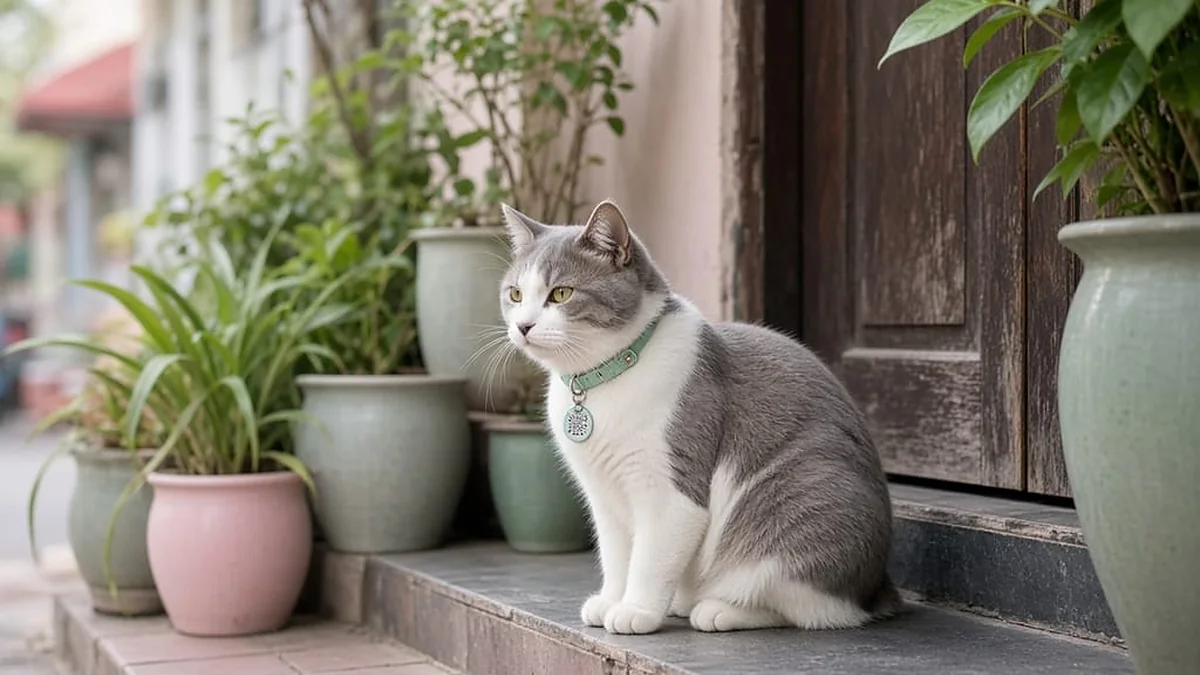
GPS collars: real-time tracking
Useful for dogs that like to run far. The downsides: they need charging, they can fall off, and the signal can be weak in narrow alleys. They also cost more than a QR tag. Treat GPS as an extra layer, not the only one.
Microchips: identification at the clinic
A chip sits under the skin and never needs a battery. But only vets or rescue stations with a scanner can read it. A passer-by cannot help unless there is also something visible on the outside.
QR tags: the "kind stranger" layer
Cheap, light and updatable from anywhere. Anyone can scan one. The downside: a tag can fall off. Reduce that risk with a double ring and a backup tag on a harness.
Combine them, do not pick just one
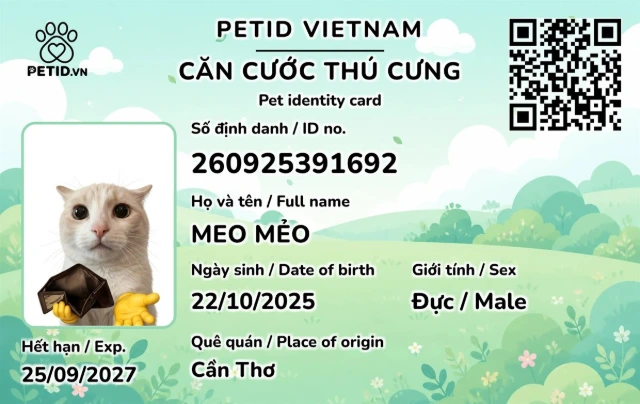
A microchip plus a PetID QR tag is the minimum pair for city dogs and cats. Add GPS if your pet tends to jump fences. Save the chip number in your PetID profile so you can match it when needed.
Which combination is enough for a city pet?
A microchip lets a clinic read your pet's identity even when the collar is gone. A QR tag lets someone on the street contact you right away, with no clinic scanner needed. GPS suits dogs that jump fences, but it needs charging and can still fall off.
For most city homes, a microchip plus a PetID QR tag is the minimum pair. GPS is an add-on, not a replacement for the other two. Even a dog that stays home and only walks on a short leash should wear a QR tag, because one open door is all it takes. For how to pick the tag itself, read how to choose a pet ID tag.
Save the chip number in the app profile. When someone reads the chip, you can confirm the match without digging through vaccine papers. The chip number is not shown to people who scan the QR code unless you write it on the public page.
What if the tag falls off?
A double ring and a backup tag on a harness lower the risk. Still check on every walk: is the clasp open, has the collar stretched? Make a habit of touching the collar at feeding time. Those few seconds mean you notice a missing tag before you notice a missing pet. A well-fitted collar matters too: see our guide to choosing a dog or cat collar.
If the tag falls off while your pet is still at home, search the house, and lock the code in the app until you find it. A code left active lets whoever picks up the tag see your profile while your pet is asleep on the sofa.
Put the new code on when the new tag arrives. The profile stays the same. There is no need to create a second pet in the app just because you replaced a piece of plastic.
What is left when the GPS battery dies?
GPS shows a location only while it has battery and signal. When the battery runs out, the dot is gone. That is why you should not rely on a single layer. A QR tag has no battery, so anyone who sees your pet can still scan it.
A microchip does not show up on a passer-by's phone. It shows up when a clinic or station has a reader. The three layers answer three different situations: tracking from a distance, the kind stranger, and identification when your pet is wearing nothing at all.
If you use GPS, charge it on a schedule and set a reminder in the app. A reminder does not replace wearing the tag. The night before a long walk, check both the clasp and the battery.
Should you test the whole setup before you need it?
Yes. Ask a family member to scan the QR code. Ask your clinic to read the chip during a routine vaccination. Open the GPS app and check the battery. Do all of this on an ordinary day, not while your pet is missing.
Write the test date in the profile and repeat it three months later. A faded code usually shows up during a test, rather than when a stranger tries to scan it in bright sunlight.
If scanning the QR code requires installing an app, switch to a tag that opens in an ordinary web browser. The QR tag page states that finders do not need to install anything. Treat that as a buying requirement, not a feature to show off.
Who keeps the phone number in a busy household?
One profile, two numbers. Both the person who goes out to work and the person at home should be able to pick up. Do not list only the person whose phone is always on silent.
Agree on one place near the door for the leash and tag. Whoever walks your pet sees the tag before unlocking the door. Keep the profile photo current, not a puppy or kitten photo if the coat has changed colour.
When you are away for a few days, note in the app who is minding the house. The finder then calls the person with the keys, not you on a plane.
What should you check every month?
A quick round: touch the clasp, scan the code with someone else's phone, check the GPS battery if you have one, and compare the chip number in the profile with the vaccine papers. You can do all of this at home, except reading the chip, which you can fit into a routine vet visit.
If you find an open clasp, a faded code or an old phone number, fix it that week rather than waiting until your pet is lost. Lock the damaged code, order a new tag and update your number in the app.
Write "checked" with the date. In a household with several people, everyone can see that line, so nobody has to argue that "someone checked last month". The minimum combination only protects your pet while all the layers you chose are still in place, not when one of them is sitting forgotten in a drawer. If the worst happens, follow our 7 steps to find a lost dog or cat.