How a QR code helps reunite a lost pet
How a QR tag helps reunite a lost pet: finders scan with a phone camera and no app, you control what the page shows, and lost mode puts an alert on the page.
Finders only need a phone camera
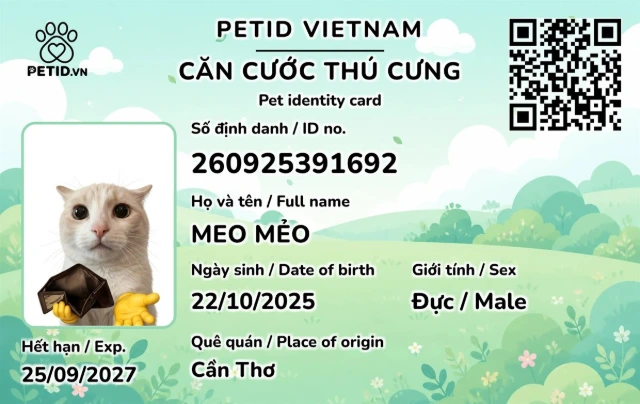
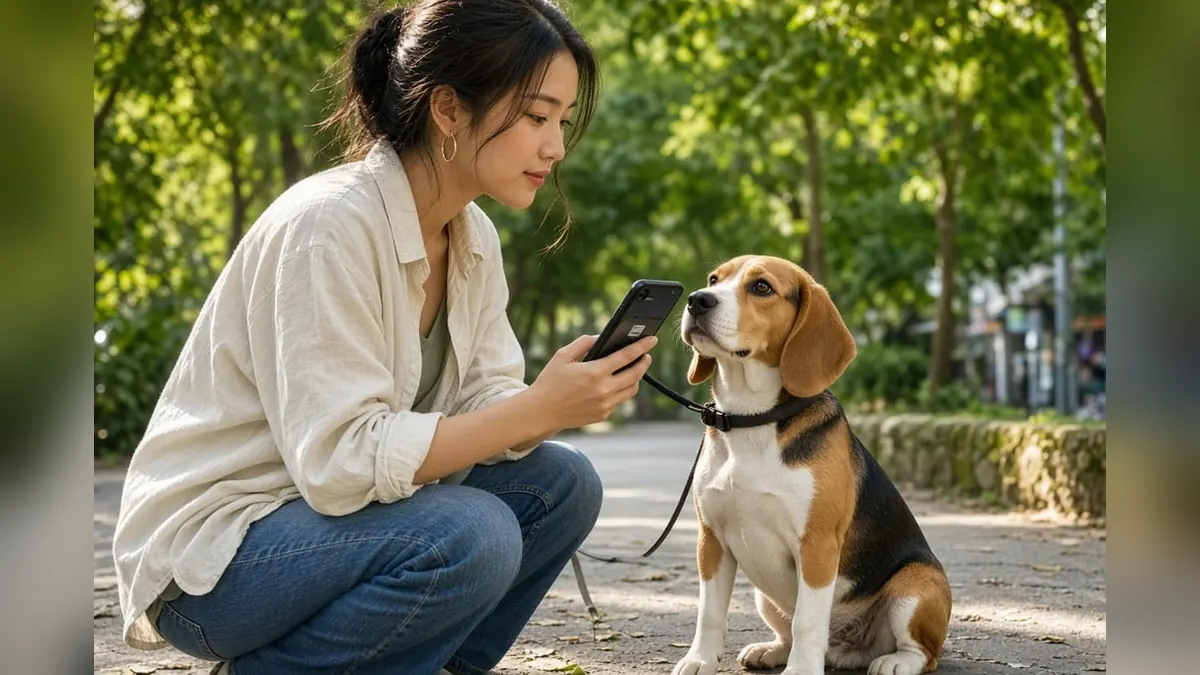
No app to download. The finder opens their camera, scans the code on the collar and lands on the public page: your pet's name, photo, a short note and whatever contact method you have allowed. That removes the barriers for a kind stranger who wants to help.
You hear sooner than with flyers alone
When you mark your pet as lost, the QR page shows an alert. In some cases the finder can share their location, if they agree to. You learn that your pet is safe and roughly where they are much faster than by searching through online groups.
You still decide what stays private
The scan page does not show your home address unless you turn it on. Your phone number or Zalo appears only when you need it to. You can switch sensitive details off again once your pet is back home.
QR does not replace GPS, but it reaches further
GPS tracks constantly, but it needs charging and costs more. A QR tag works whenever a person sees your pet. Combining both is ideal: GPS for dogs that roam far, QR for every pet that goes outside.
What should the finder do after scanning?
The page shows your pet's name and the contact options you have enabled. The finder calls or messages you with the location, with no login needed. If you do not pick up, they can try the second number in the profile.
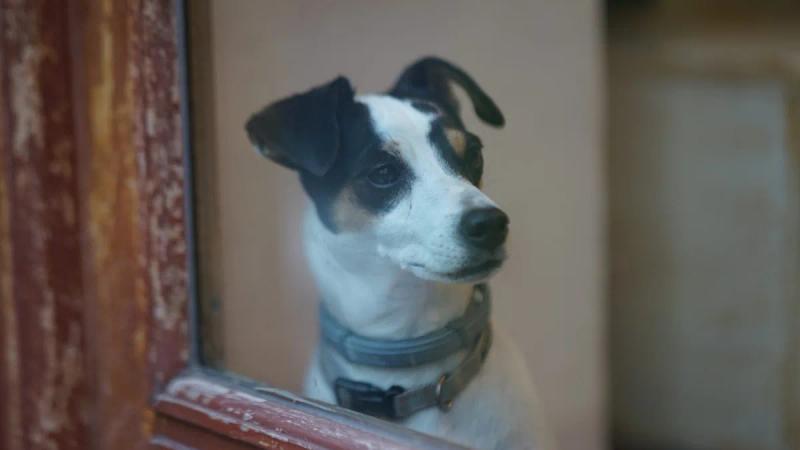
The finder should not take your pet far away straight away. Keep them in the shade, and tell the owner whether the pet can walk and whether there are any visible injuries. A photo taken on the spot helps the owner choose a clinic. The finder does not need to diagnose anything. If you are the one who has found a pet, our guide on what to do when you find a lost dog or cat walks you through it.
Once you have the news, update the status in the PetID app so other people stop chasing an old alert. A QR collar tag only helps while the number in the profile is correct. One test scan from a family member's phone before your pet goes outside is worth more than ten flyers.
Why might someone scan and you never see a call?
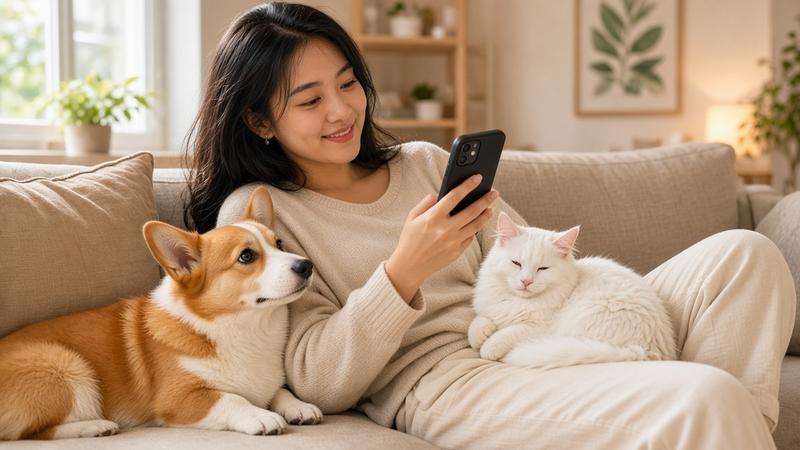
The number in the profile is out of date, your phone is on silent, or you only enabled messages and never check them. Check every contact field before your pet wears the tag. Ask a family member to scan from their own phone, not yours, because your phone may already be logged in and will not behave like a stranger's.
If the code is scratched or muddy, wipe it dry and scan again. Do not paint over it. If the code is damaged, order a replacement on the product page and lock the old code.
A test every few months is enough to know the tag still works. Write the test date in the profile notes. If a test scan only shows your number after opening an app, the tag is not doing its job.
What should the public page show?
A name, a photo and a call or message button are all a finder needs. Medical notes, your home address and the vaccine schedule do not belong there. You decide which fields are visible.
Add one line such as "may be scared of strangers, please crouch down". It stops the finder from chasing your pet. Never write passwords, one-time codes or wallet details.
When you travel, switch the on-call number to whoever is minding the house, then switch it back when you return. The scan page reads the current profile, not the note stuck on your fridge.
When does QR help, and when does GPS?
A QR tag means anyone on the street with a camera can contact you, without you having to follow a dot on a map. GPS suits a pet that stays inside the area you can track, and only while the device has battery. When the battery dies, the dot disappears, but the QR tag is still on the collar.
City homes often need both if the dog jumps fences, and at least a QR tag if the main worry is slipping out when the door opens. A microchip is the layer a clinic can read when there is no collar at all. We compare all three in should you use an anti-lost tag for dogs and cats.
Note in the profile which type your pet wears. The finder does not need to know you have GPS. They only need to be able to scan.
What should you lock after your pet comes home?
Turn off lost mode, thank the person who called, and check that the tag is still on the collar. If the tag was lost along the way, lock that code. An old code left active will still open your profile for whoever picks up the fallen tag.
Wipe the code gently with a damp cloth, then dry it. Do not soak the whole collar if the clasp is not waterproof. Measure again if your pet struggled hard, because the clasp may have loosened a notch.
Add a line to the profile: the date your pet went missing, where they were found and whether your number was still correct. Next time you will know which places have caused trouble before, and whether the tag has been tested. If your pet ever goes missing without a tag, start with our 7 steps to find a lost dog or cat and post on the lost pets board.