How do pet QR tags work? A to Z
How a PetID QR tag works: create the profile, attach and test the tag, update your number without a new tag, and turn on lost mode if your pet goes missing.
Create a profile and get your ID code
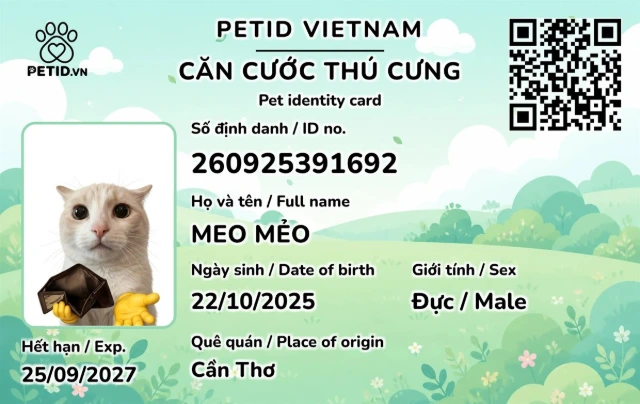
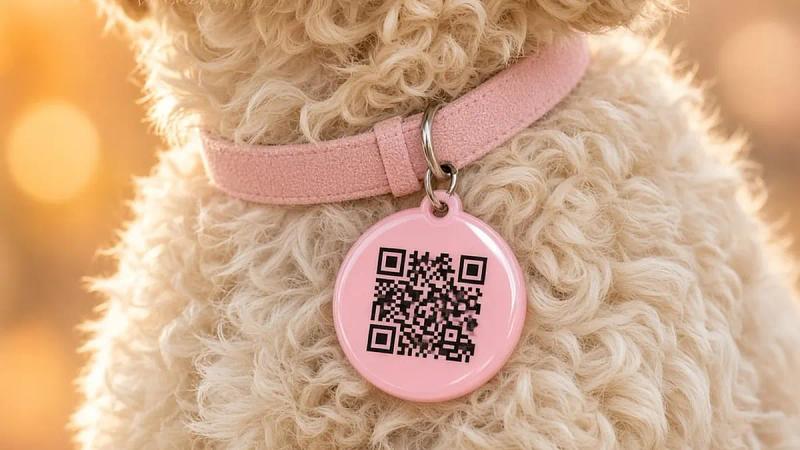
Sign up for PetID and add your pet: name, breed, photo and distinguishing features. Then order a QR collar tag or a PetID card. Each one comes printed with a unique QR code linked to your pet's profile.
Attach the tag and test the scan
Fix the tag firmly to the collar. Ask someone else to test-scan it on both an iPhone and an Android phone to make sure the right profile page opens. Do not wait until your pet is lost to find out.
Update your details from anywhere
Change your phone number, add a note such as "scared of motorbikes", or show and hide contact details, all without re-engraving the tag. That is the big difference from a fixed metal tag.
When your pet goes missing, the QR code becomes a rescue line
Turn on lost mode and the public page switches to an alert. Anyone who scans sees how to contact you. Once your pet is home, turn the alert off to avoid unnecessary calls.
What happens after someone scans the code?
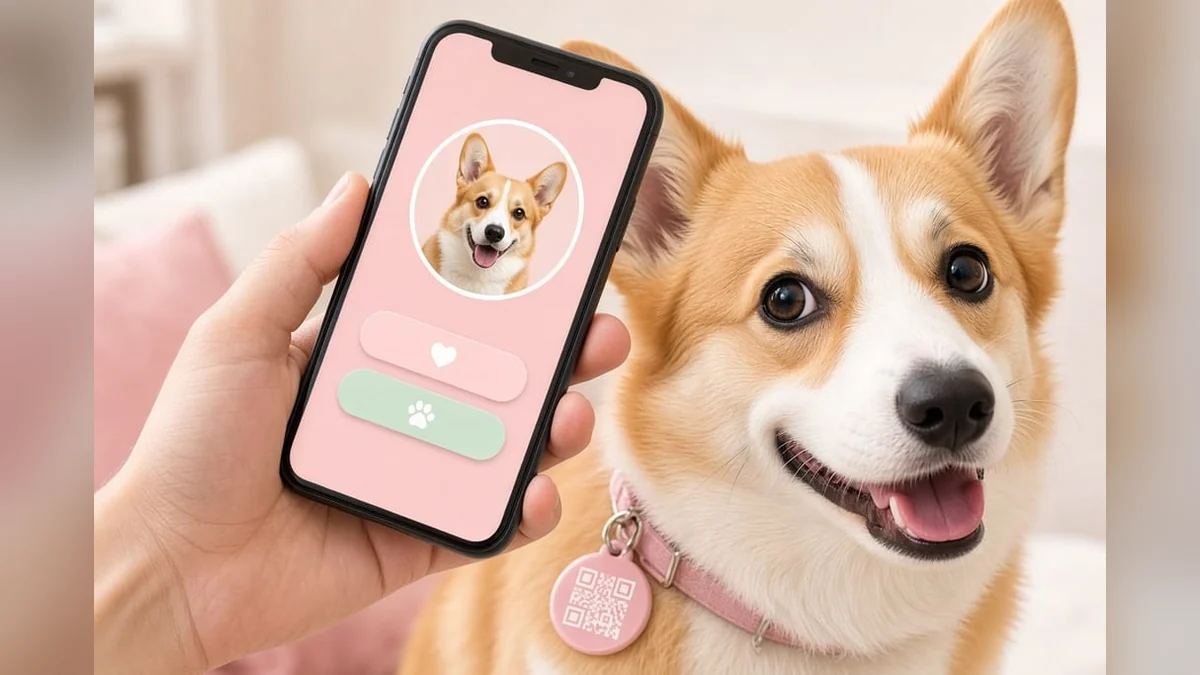
The phone opens the profile page you chose to show: name, photo, and a call or message button. Your home address is not shown unless you turn it on. The person scanning cannot see medical records.
When you change your number in the PetID app, the next scan shows the new number. There is no need to reprint the tag unless the physical code breaks. Ask someone who has never opened the profile to scan it. If they have to install an extra app, the tag is the wrong kind. The QR collar tag page makes it clear that finders do not need an app.
Do this test before your pet's first walk, not after they go missing. Write down the date of the test. Stand outdoors when you test, because almost any code is easier to read indoors.
Where should the code sit on your pet?
On the front of the collar, not buried under thick fur. A harness is a backup spot if your pet tends to slip the collar over their head. The PetID card stays in your wallet for vet visits and does not replace the collar worn every day.
After a bath or a romp in the grass, wipe off mud with a dry cloth. Do not seal the tag in plastic film, because cameras struggle to focus through it. Do not cover the code with stickers.
Scan it every few months and add a note to the profile. This habit catches a fading code before your pet gets lost. You will also feel a clasp that has loosened a notch, long before the tag actually falls off. For help choosing the tag itself, see how to choose a pet ID tag.
What can you update remotely?
Your phone number, photo, identifying note and lost status all live in the profile, not printed permanently on the tag. Changes you make from the office take effect immediately for anyone scanning near your home.
Add your address only if you want to, and you can hide it again at any time. The vaccine record stays in the app for you and your vet, with no need to show it to strangers on the street.
When you change phones, log in again and run a test scan. Many owners switch phones and forget that the number in the profile is an old one whose SIM has been cancelled.
What changes on the scan page in lost mode?
The person scanning sees that you are looking for your pet and which contact options are on. They do not need to read a long message. Keep it short: name, coat colour, "please call this number".
Turn lost mode off when your pet comes home, or people will keep calling. If the tag goes missing but your pet is safe at home, lock the code instead of leaving the lost page open indefinitely.
If you also post on the lost pets board, the tag on the collar and the post on the website become two separate doors. If one fails, the other is still open. Check both phone numbers before you turn lost mode on. To understand what the finder experiences, read how a QR code helps reunite a lost pet.
First time? Follow this order
Create the profile, add a photo and two phone numbers, and only then attach the tag. Scan it with someone else's phone. Fix anything they found confusing: a dark photo, a missing call button, a wrong number.
Let your pet wear the collar indoors for a while to see whether they scratch at it. If they scratch a lot, check the weight and tightness of the tag rather than simply tightening the collar.
On the first trip outside, keep your pet on a leash, not loose. When you get home, check the clasp. Doing this once, in this order, covers the "attach and test" step properly.
Which steps should you repeat every few months?
Scan the tag again with a different phone. Read the number shown on the page and call it from a second phone. If it goes to voicemail or the number has been cancelled, fix it in the app straight away. You do not need a new tag just because your number changed.
Check that the profile photo still looks like your pet. A short haircut, weight gain or a new harness can make a finder hesitate. An old photo still scans, but they might not call because they think it is a different animal.
Wipe the code, check the clasp and write the date in the profile. If the code cannot be read from about a hand's width away, order a new one from the QR collar tag page and lock the old code. The app keeps the same profile. Keeping details up to date and testing on a schedule, not only when the tag is new, is what makes the tag work on the day you need it. If that day comes, start with our 7 steps to find a lost dog or cat.